Develop AI campaign images from a written brief. Explore the hero, material studies, and social concepts for your next product launch, then take the selected direction into your team's finishing tools.
Memberships start at $490/month. OpenAI API usage is billed separately. Generation requires ChatGPT sign-in and your own OpenAI API key.
Visual direction / Studio reference
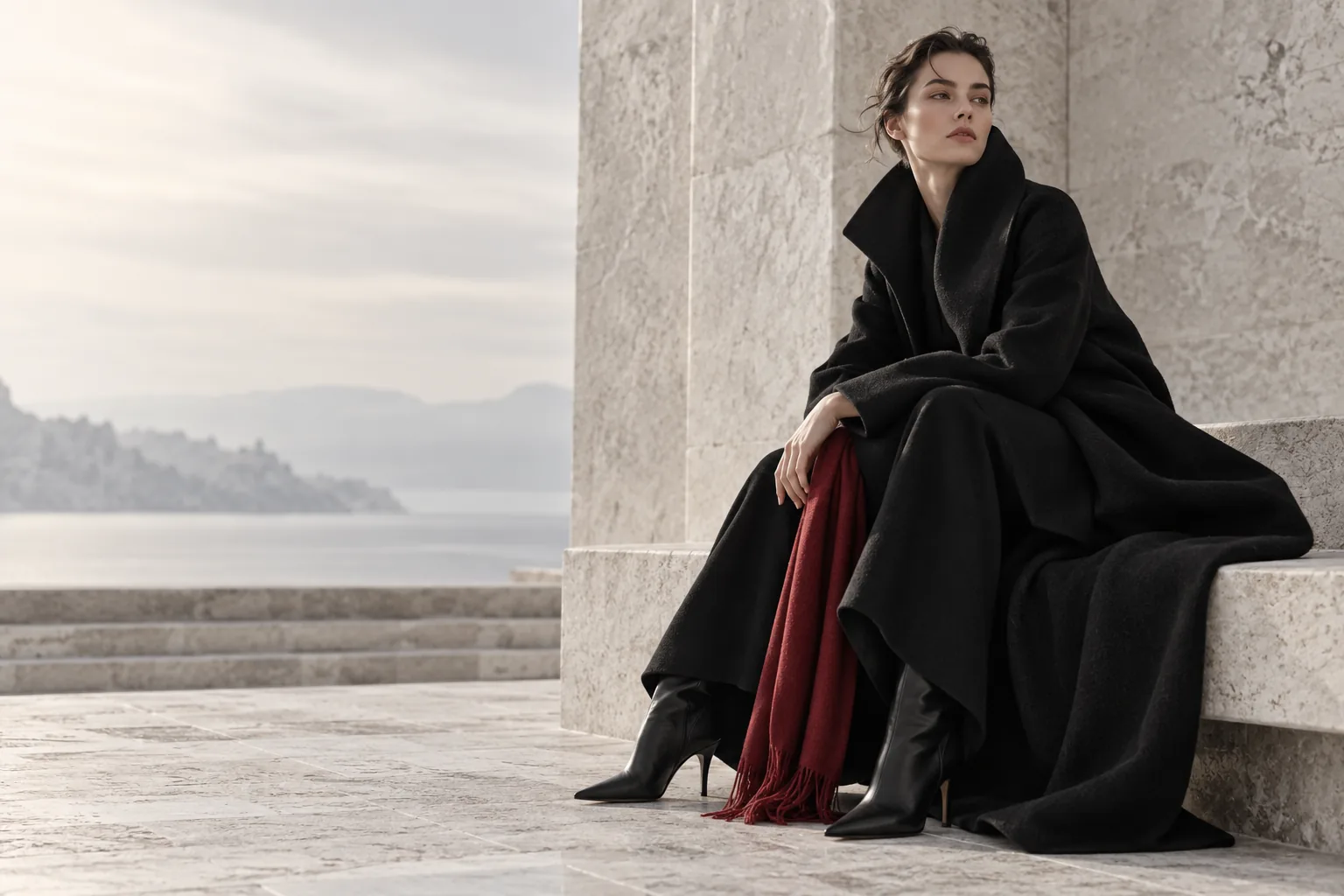
Black tailoring. Pale stone. One deep-red accent. A curated image from the existing studio.
A launch starts with the brief
Three briefs. One visual direction.
Could this workflow help with your next launch? Use these briefs for a fictional outerwear collection to plan the hero, material study, and social opener. The AI visuals were created separately as illustrations; actual studio output may differ.
01
Campaign · 3:2 Landscape · Medium for a first review
AI-generated visual reference
The launch hero
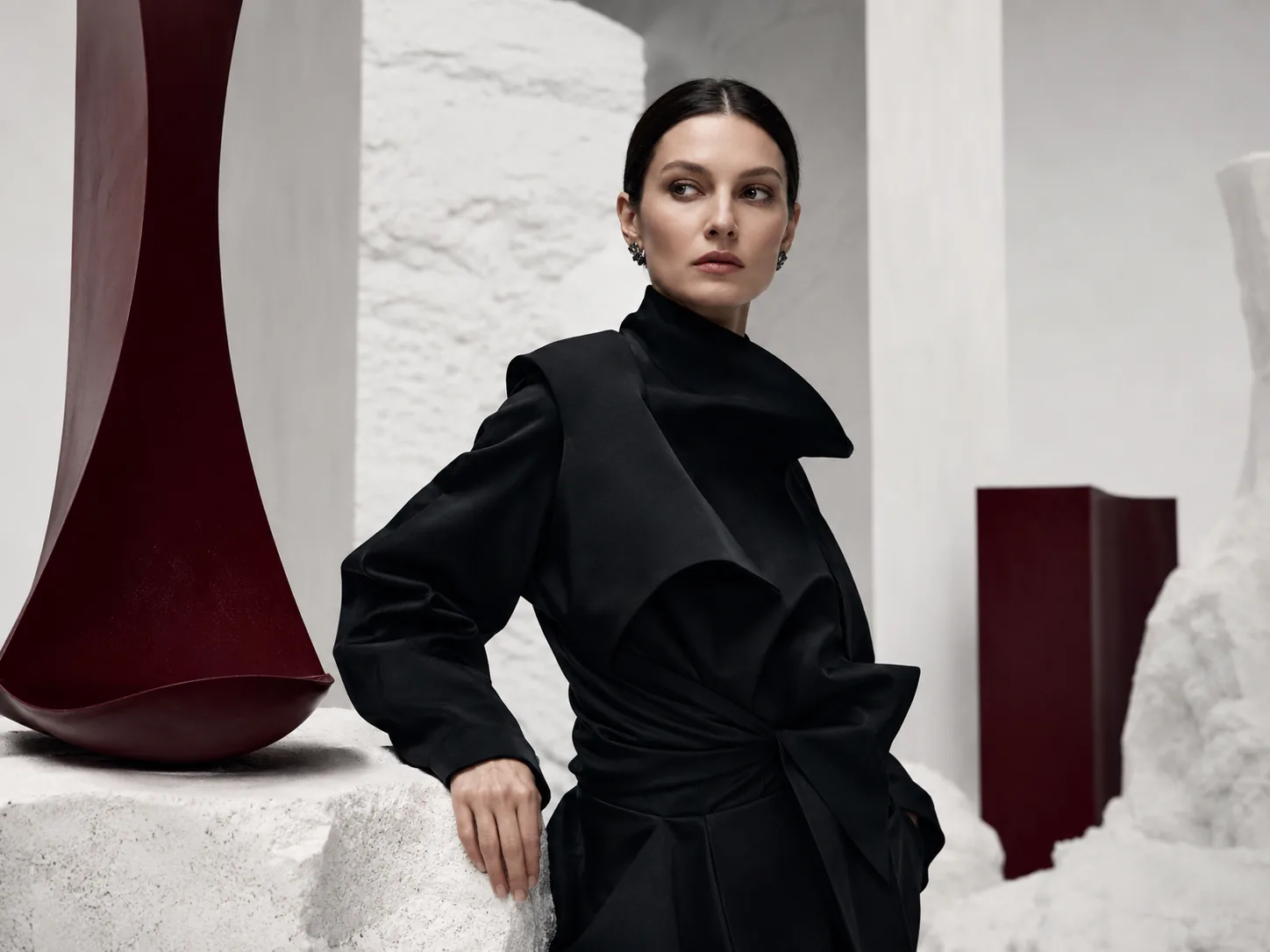
Explore a collection's mood and leave room for a website headline.
Campaign concept for a fictional black outerwear collection. An adult model in an unbranded sculptural coat, pale stone setting, one deep-red accent. Soft side light. Place the model toward the right; leave the left third quiet for copy to be added later. Landscape composition. No lettering or logos.
Review forPlace the candidate beside the actual headline. Approve the composition only when the subject and copy remain clear in the intended desktop and mobile crops.
Plan forAdd final copy and logos in your design tool. A revised prompt creates a new image, so previously useful details can change.
Editorial · 1:1 Square · Medium for a first review
AI-generated visual reference
The material study
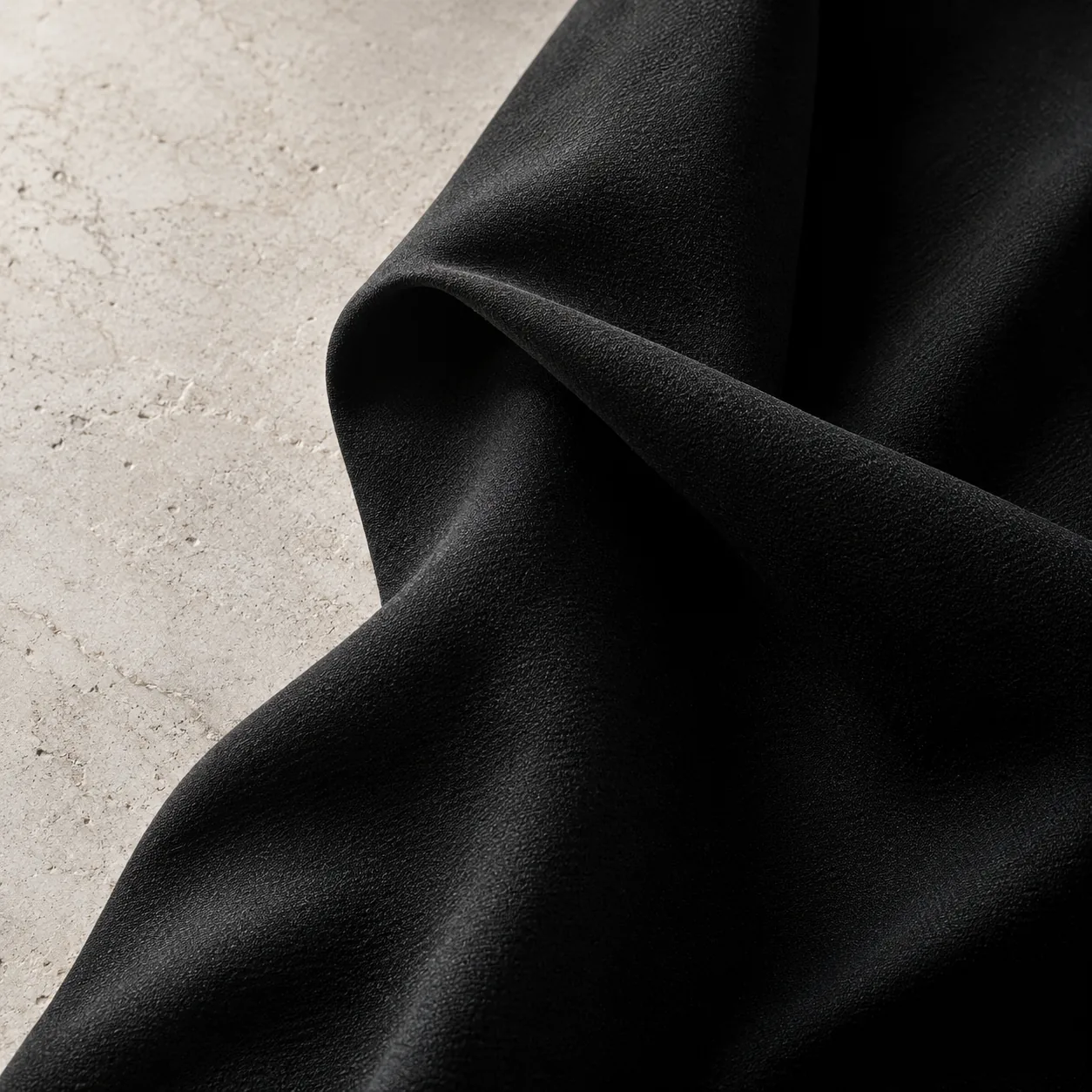
Explore how side light describes fabric, folds, and surface texture.
Editorial concept of sculptural black fabric with a deliberate fold. Close square composition, pale stone background, soft light from the left. Emphasize the surface and the transition from light to shadow. Restrained styling. No lettering, labels, or logos.
Review forCompare the apparent texture, fold, and shadow direction with the intended material. Record which lighting decisions should carry into production.
Plan forThe studio cannot take an uploaded garment photo. Use this as a material concept; accurate customer-facing details need approved product photography.
Campaign · 2:3 Portrait · Medium for a first review
AI-generated visual reference
The social opener
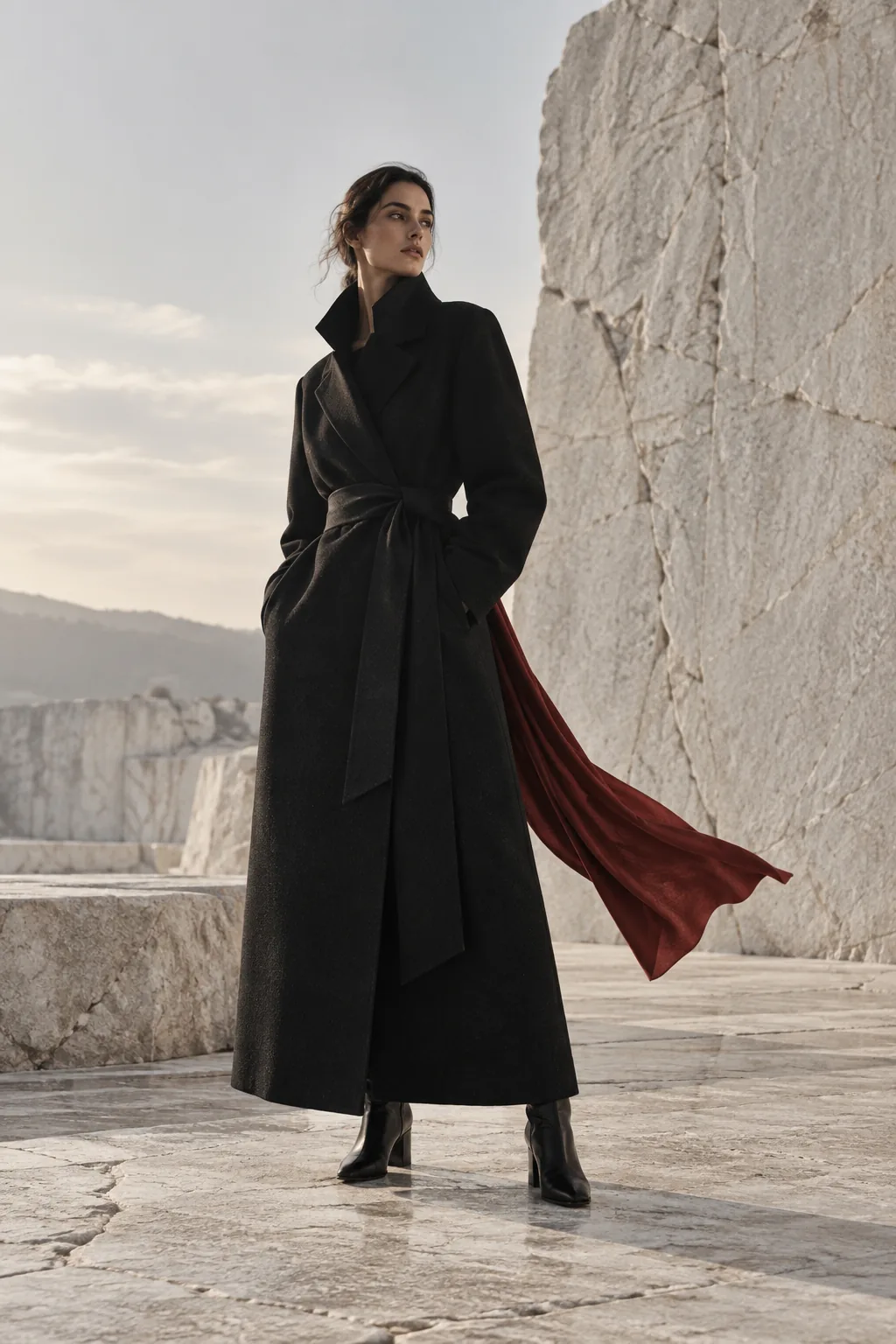
Carry the campaign direction into a tall frame with a clear silhouette.
Portrait campaign concept for an imagined black outerwear collection. Adult model, sculptural unbranded coat, pale stone setting, a restrained deep-red accent, soft side light. Keep the silhouette clear and leave quiet space above the subject. No lettering or logos.
Review forTest the actual social crop and compare it with the hero. Check the silhouette, palette, shadow direction, and room for copy before selecting the set.
Plan forSeparate generations may change the person or garment. The studio's portrait format is a starting canvas; prepare the final placement in your design tool.
These are starting briefs and illustrative visuals, rather than results from a live studio test. Separate generations can change the subject, materials, and details. Save and review candidates together before selecting a set. Plan the full campaign workflow.
From direction to review
Keep the creative decisions with your team.
Agree on the image's job
Write down the subject, light, palette, composition, and placement. Use the same visual rules across the briefs.
Generate and compare
Choose Campaign, Product, Editorial, or Concept mode, then a format and quality setting. Revise the prompt after reviewing each result.
Finish in your usual tools
Add final type, prepare crops, and gather approvals where your team already works. Access to the studio is tied to the signed-in account; shared project spaces and approval tools are not included.
Before you choose a membership
Know what fits the brief.
The studio suits text-led concept exploration. Check the controls and full cost against the work you need to deliver.
The current studio has no image uploads, regional editor, layered canvas, or native SVG export. If the campaign must reproduce an exact garment or product, start from approved photography and use tools that support those assets. Budget for final editing and review.
Studio controls, requirements, and advertised membership reviewed September 8, 2026. Examples illustrate a creative approach; they do not establish image quality, production speed, or campaign performance.