Start with the job, not the adjectives
Write one sentence explaining what the image needs to do. A launch-page hero needs room for a headline. A product detail needs an unobstructed view of a material. An editorial opener can prioritize atmosphere. These are different briefs, even when the subject is the same.
Make that purpose concrete before adding words such as premium, cinematic, or beautiful. Replace each broad adjective with something visible: a pale stone surface, a close crop, a hard shadow, or a single saturated accent.
AI image brief template: five decisions
Use this checklist as a starting structure. You do not need a paragraph for every item; one precise phrase can be enough.
- Subject: what is in the picture, and which detail matters most?
- Composition: where does the subject sit, and what space must remain clear?
- Light: soft or hard, warm or cool, and from which direction?
- Palette and materials: which colors and textures belong in this world?
- Constraints: what should be excluded, and what must remain readable?
Turn the decisions into a prompt
Here is an original example for an editorial image. Treat it as a brief to adapt, not a promise of an exact result.
From the brief
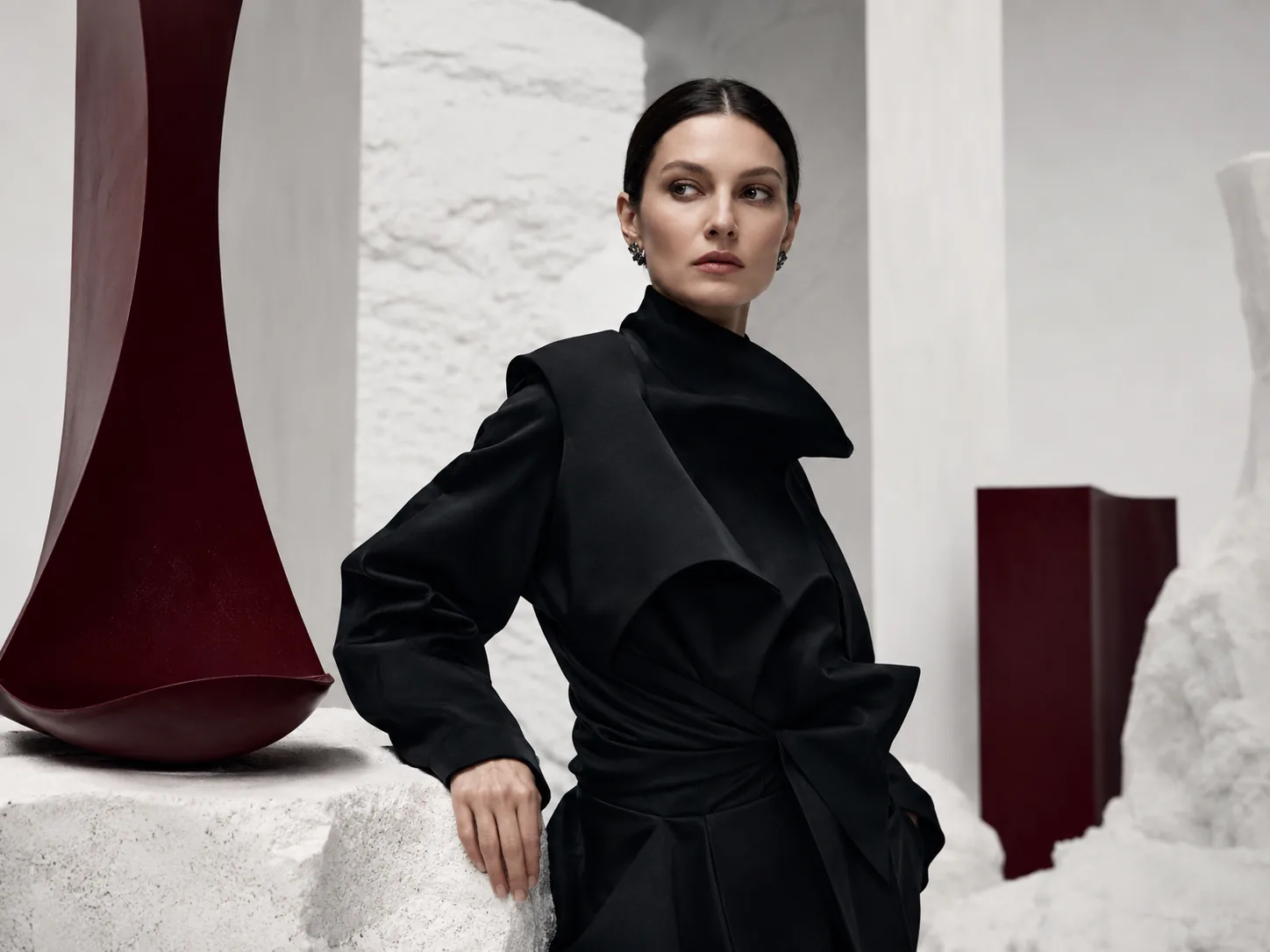
Editorial portrait of an adult wearing sculptural black tailoring in a pale stone interior. Place the subject on the right, with uncluttered space on the left for a headline to be added later. Soft side light reveals the fabric's folds. Restrained palette of black, ivory, and one dark red sculptural object. Quiet, composed expression. Landscape composition. No lettering, logos, or watermark.
Review against the brief
Look at the first result at the size it will actually appear. Is the subject clear? Does the composition leave useful space? Are the important details plausible? A striking image is not automatically the right image for the job.
Choose the largest mismatch and revise that instruction first. If the layout is wrong, change the framing before adding more styling. Keep a copy of the previous prompt so you can compare which decision helped.
Finish outside the prompt
Check the final crop and add approved typography in your design tool. Inspect faces, hands, repeated objects, and material edges before publishing. For a commercial project, also confirm that the image represents the product or message accurately.
The useful habit is simple: define the purpose, describe visible choices, review the result, and make a focused revision. Keep the brief short enough that another creative could understand it without an explanation.
Put your image brief to work.
Review the studio controls against your brief. Generation requires sign-in, an active membership, and your own OpenAI API key, with separate API usage charges.
Open the AI image studio